
appointment scheduling
Schedule Appointments Within Client Profiles
Set service calls, consultations or follow-up appointments directly within your CRM while checking for scheduling conflicts.
Automated Notifications Reduce No-Shows
Enhance service delivery experience with automated confirmation texts, meeting reminders, and even dispatch notifications sent to clients and service teams.
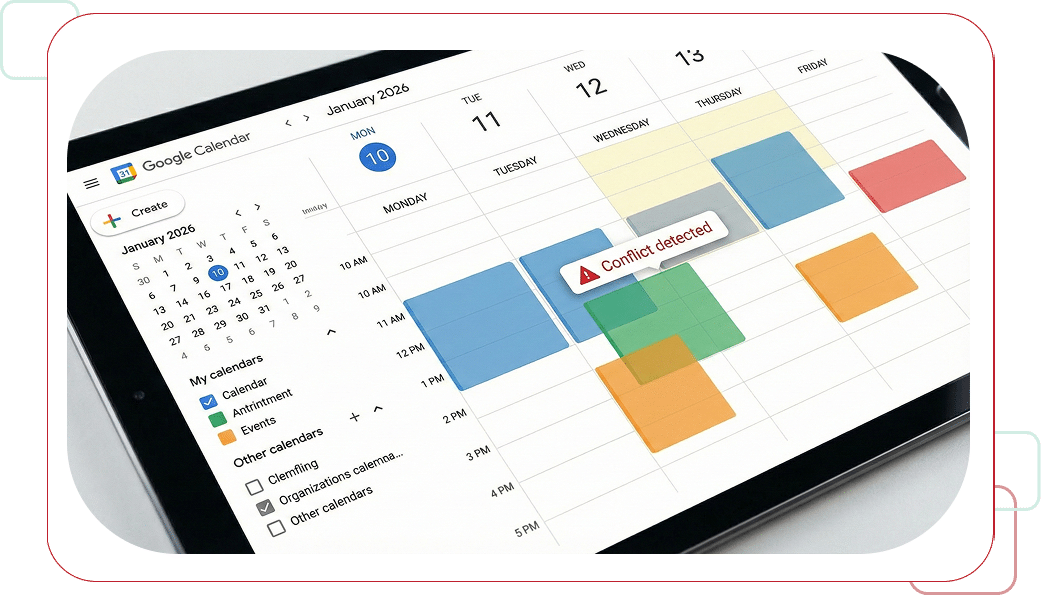
Automatic Conflict Detection
Users can schedule appointments directly within the CRM while checking for scheduling conflicts with team members involved.
Single Interface for All Appointments
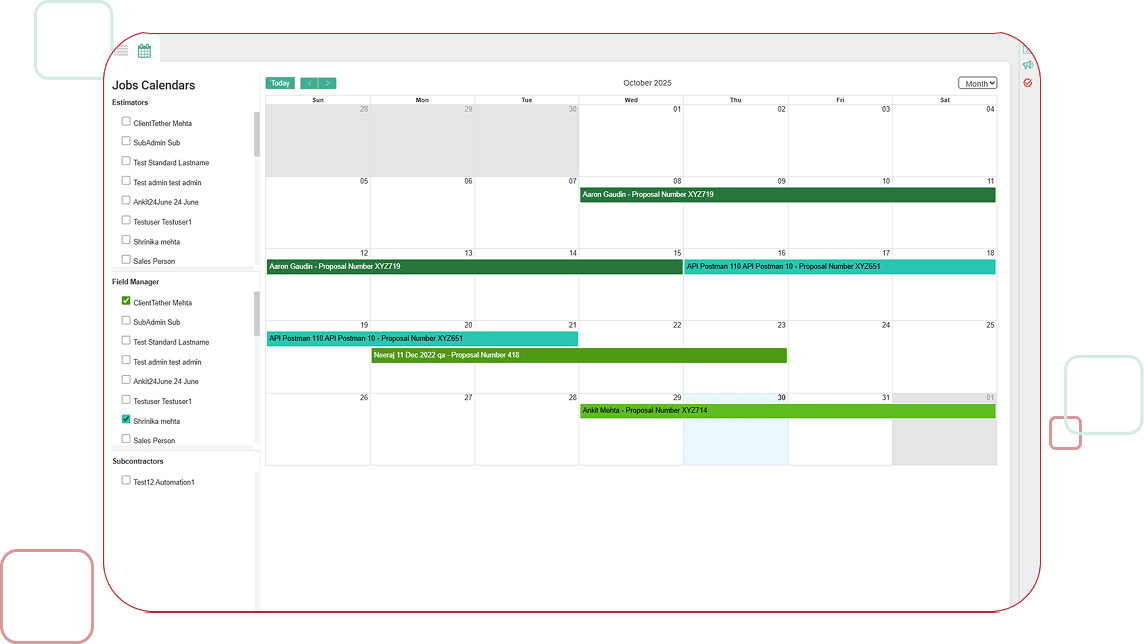
Ensure that all appointments are visible and manageable from a single interface, streamlining operations and improving overall efficiency.
Smart Travel Time Consideration

Before and After
Travel time needed before and after appointments is considered during the appointment setting process.

In-Between Appointments
Travel time in-between scheduled appointments is also considered during the appointment setting process.

User-Specific Data
Travel time is considered utilizing user specific data preset in the system.
Centralized Appointment Management Benefits
Centralize appointment management to improve client satisfaction and optimized resource allocation.

Centralized Management
By centralizing appointment management, ClientTether helps businesses maintain a well-organized schedule.

Well-Organized Schedule
Maintaining a well-organized schedule eliminates costly double-bookings and scheduling errors.

Improved Client Satisfaction
By centralizing appointment management, businesses achieve improved client satisfaction.

Optimized Resource Allocation
Centralizing appointment management leads to optimized resource allocation across your organization.
ReduceNo-Shows
Automated notifications sent to clients and service teams, reducing no-shows.

Enhanced Service Delivery
Dispatch notifications enhance the service delivery experience for clients and teams.
Ready to Centralize Your Appointment Management?
Schedule appointments efficiently, check conflicts automatically, and send automated notifications to reduce no-shows.

FAQs
The Appointments feature in ClientTether allows users, call center teams, and home office staff to schedule meetings with clients manually within the client profile. Whether it's a service call, consultation, or follow-up, users can schedule appointments directly within the CRM while checking for scheduling conflicts with team members involved with the live synched calendar view.
When scheduling an appointment within the ClientTether franchise CRM, users have the option to automate notifications and client reminders using an integrated Event Plan. This feature ensures that appointments are organized efficiently, with automated confirmation texts, meeting reminders, and even dispatch notifications sent to clients and service teams, reducing no-shows and enhancing the service delivery experience.
The integration with Outlook and Google calendar systems ensures that all appointments are visible and manageable from a single interface, streamlining scheduling and improving overall team efficiency.
By centralizing appointment management, ClientTether helps businesses maintain a well-organized schedule, filling field and estimator team schedules, which leads to improved client satisfaction and optimized resource allocation.