
SIGNATURES
Get Documents Signed Fast Without the Paper Chase
Capture e-signatures from clients directly through your CRM, to streamline approvals and accelerate your sales cycle.
E-Signatures Built Right Into Your CRM
Leveraging the integrated CT Sign tool, users can enable signatures on system-generated proposals as well as custom forms, making it easy for clients to review, approve, and sign documents electronically.

Proposals with E-Signatures
Custom Form Signatures
Review, Approve, Sign
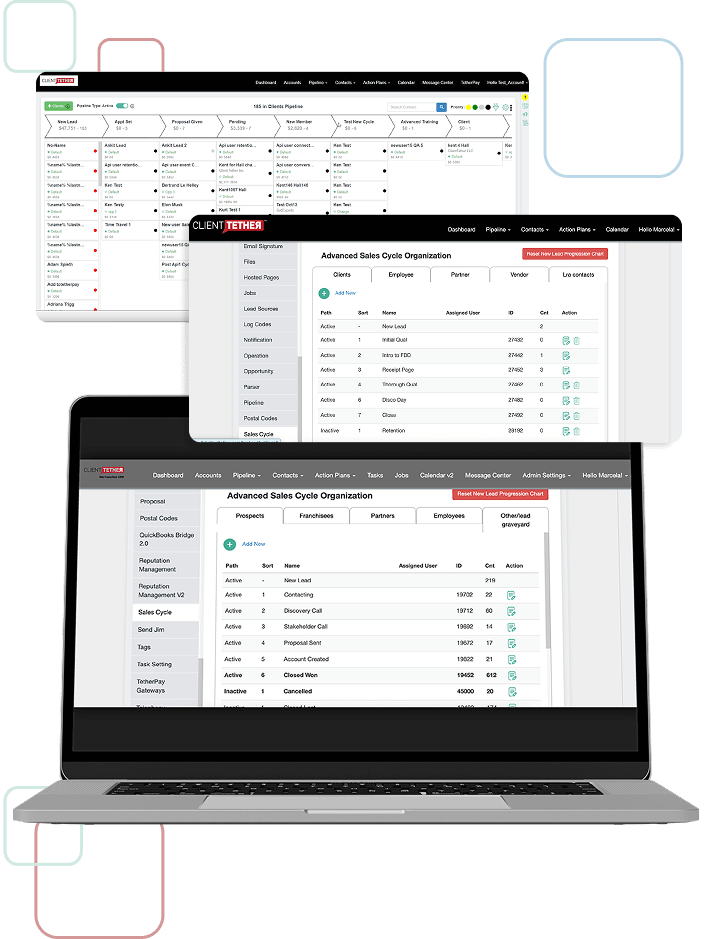
Every Signed Document Stored in One Place
Every signed document is securely stored in the client's profile, creating a centralized record of approvals and agreements. No more hunting through email attachments or file folders—everything is right where you need it.
-
 Centralized record keeping
All signed documents automatically save to the client profile
Centralized record keeping
All signed documents automatically save to the client profile
-
Easy retrieval
Find any signed doctunent in seconds, not hours
-
Secure storage
Documents protected and accessible only to authorized users
-
Audit trail
See when documents were sent, opened, and signed

Reduce Administrative Steps and Accelerate Approvals
By integrating e-signature capabilities directly into proposals and forms, the system streamlines workflows, reduces administrative steps, and accelerates quote approvals

The Old Way
-
 Generate proposal in CRM
-
Export to PDF
-
Email lo client
-
Wad for client to print
-
Client signs and scans
-
Email back to you
-
Download and save
-
Manually upload to CRM


-
Days or weeks


With CT Sign
-
Generate proposal in CRM with e-signature enabled
-
Client receives link, reviews and signs electronically
-
Signed document automatically saved to client profile


-
Minutes or hours

Brand Every Document with Client-Specific Details
Customize documents with client-specific information, branding and formatting to ensure every interaction is professional and consistent.
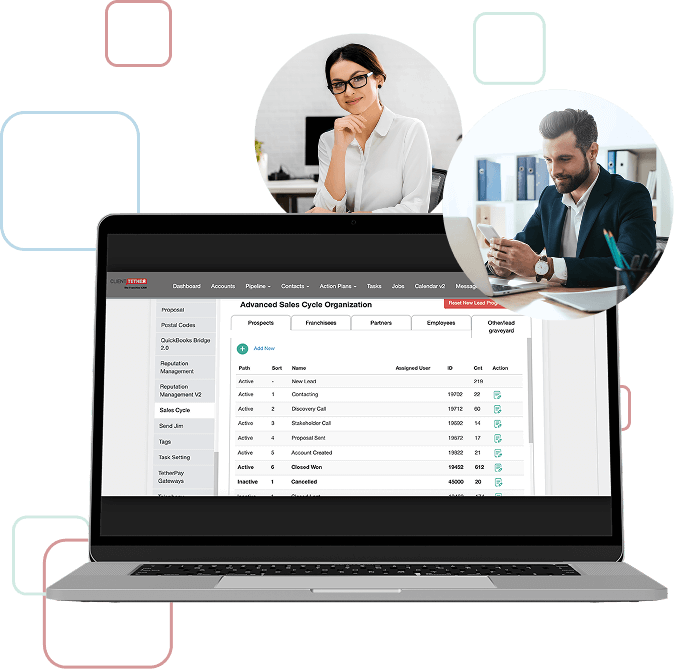
-
 Client-Specific Information
Automatically populate documents with client names, addresses, project details, and custom fields from their CRM record.
Client-Specific Information
Automatically populate documents with client names, addresses, project details, and custom fields from their CRM record.
-
 Your Branding
Add your logo, colors, and brand elements to every document so clients see a professional, consistent experience.
Your Branding
Add your logo, colors, and brand elements to every document so clients see a professional, consistent experience.
-
Custom Formatting
Control document layout, section order, terms and conditions, and signature placement to match your business needs.


Standardized Processes Across Every Location
Standardize signature processes across franchise locations, maintaining compliance and brand integrity network-wide
-
 Consistent Compliance
Every location uses the same approved document templates and signature processes, ensuring legal compliance across your entire network.
Consistent Compliance
Every location uses the same approved document templates and signature processes, ensuring legal compliance across your entire network.
-
Brand Integrity
Maintain consistent branding and professional presentation in every document, regardless of which location sends it.
-
 Network-Wide Visibility
See signature activity and document status across all franchises from one central dashboard.
Network-Wide Visibility
See signature activity and document status across all franchises from one central dashboard.


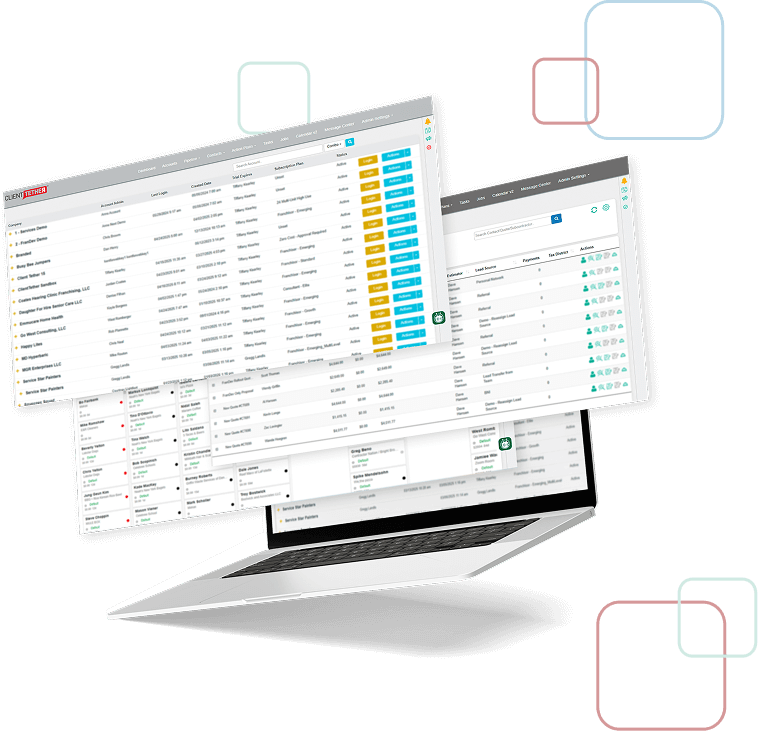
Flexibility Meets Simplicity for a Seamless Digital Experience
Quickly approve quotes and documents, improve operational efficiency, reduce turnaround time and provide a seamless digital experience for every engagement.

Improved Operational Efficiency

Reduced Turnaround Time

Seamless Digital Experience
Ready to Ditch the Paper Chase?
See how CT Sign makes getting documents signed fast, secure, and effortless

FAQs
You can send any document type that requires a single-party signature including proposals, contracts, service agreements, consent forms, waivers, and custom forms. The system supports standard templates and custom documents tailored to your business needs.
All signatures received through CT Sign include timestamp verification and IP address tracking, to ensure visibility and accountability for all parties involved.
Yes, CT Sign is fully mobile-responsive. Clients can review and sign documents on any device—smartphone, tablet, or desktop—without downloading additional apps.
Signed documents are automatically stored in your franchise CRM within the client's record. You receive instant notifications, and the document status updates in real-time. Additional automations can be triggered when signed documents are received. All signed documents are accessible whenever needed.
Absolutely. You can add your logo, company colors, custom fields, and client-specific information to every document. Create branded templates that maintain consistency across all client interactions.
Setup is quick and straightforward. Our team provides onboarding support, and you can create templates as you go or use our pre-built options.